
Editing videos is one of those things most of us don’t have to do too often—at least not at an especially high level—so it’s understandable if you don’t have a dedicated professional-grade video editor. The built-in editor within your phone’s photo app works well enough for quickly cutting a video down to size.
But what if you want to combine multiple videos into a single file? Or do things like add captions or background music? That’s where timeline-based editing software comes in. These applications let you combine multiple video files into a single timeline, then tweak the transitions.
Finding a free, powerful video editing tool that works on any kind of device (and is actually easy to use!) has traditionally been a real challenge. Today, though, I’ve got the long-overdue universal answer.
This tip originally appeared in the free Cool Tools newsletter from The Intelligence. Get the next issue in your inbox and get ready to discover all sorts of awesome tech treasures!
Timeline-based video editing in your browser
The next time you need to quickly combine a bunch of videos or do any other more advanced video editing, there’s a commendable free option—and you don’t need to install anything.
➜ OpenReel Video is a full-featured video editor that runs entirely in your browser—or, if you’d rather, via dedicated Android and iOS apps for mobile.
⌚ You can open the site or app and start using it right away, with results in as little as a minute or two.
The software, which is completely open source, doesn’t require that you upload your videos anywhere, either. Instead, everything happens on your device. There are downsides to that. (For example, the tool may run poorly on older, more limited-resource devices.) But there’s a major big privacy upside in that all of your files always stay on your own storage.
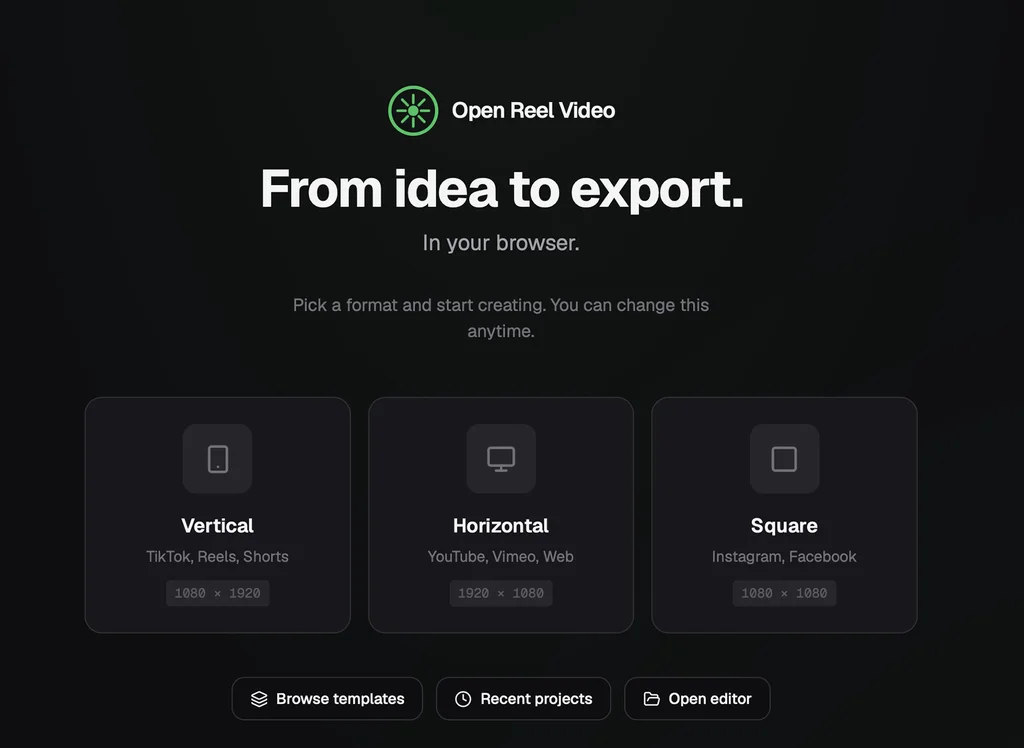
✅ To get started, just head to the website and click the Launch App button (or grab the appropriate app for your platform). You’ll be asked what kind of video you’re working on—vertical, horizontal, or square—and just like that, you’ll be inside the video editor. From there, you simply import videos from your device and drag them to the timeline to get going.
If you’ve done any video editing before, it should all feel familiar: Your assets live in the left panel, a preview of your project is in the middle, and an inspector sits to the right. Below all of that is the timeline, the heart of any video editing project. (That’s where you drag your video clips and do the actual editing.)
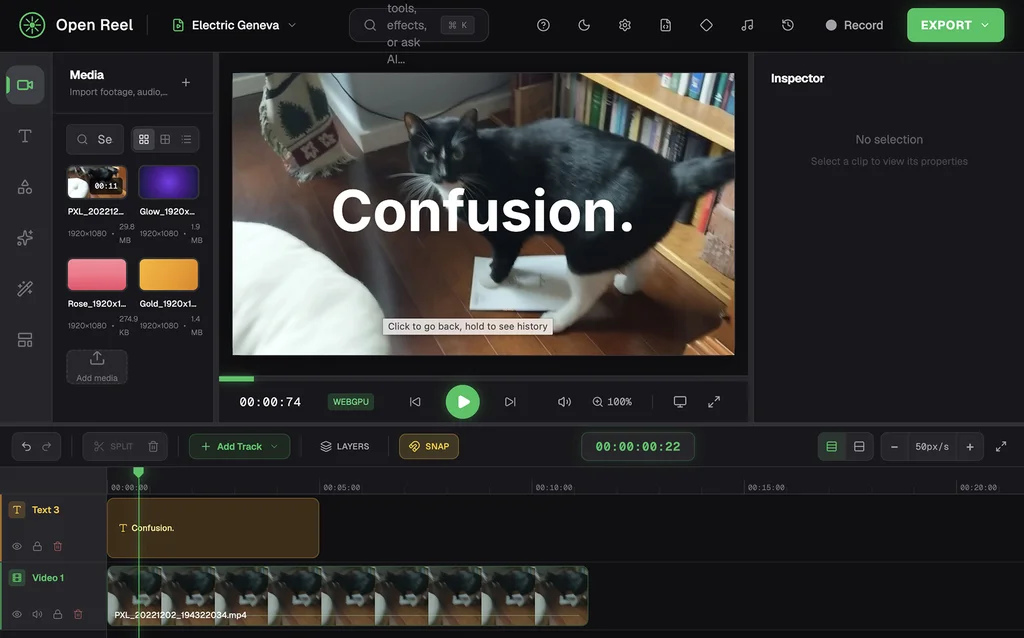
This is not an application that holds your hand. You’re going to have to spend some time learning how to use it, like you would with any video editing software. But it does offer a few AI-powered tools that make things easier, such as automatic captions, filters, and text-to-speech if you don’t feel up to narrating.
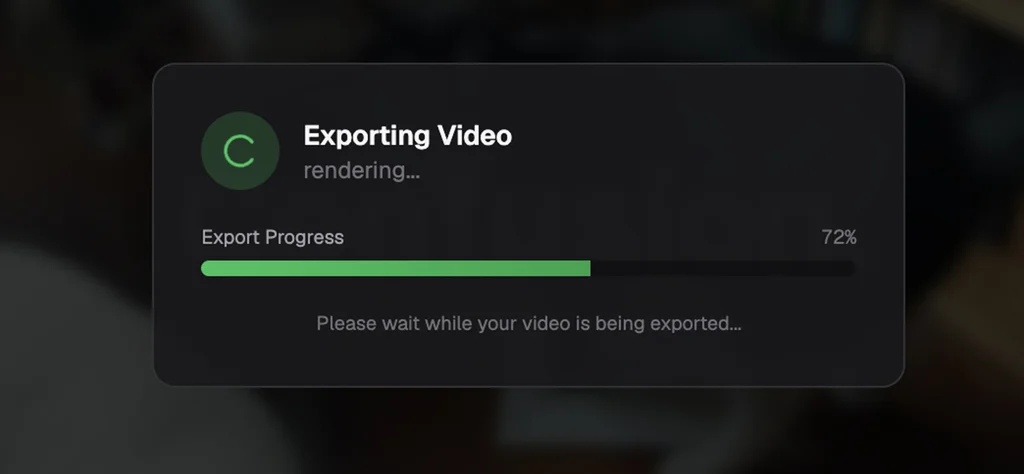
When everything looks perfect, you can export the file and save it to whatever device you’re using. The quality’s been pretty good in my tests.
Be sure to bookmark this one—it’s handy to have around, and you never know when the need might arise.
- OpenReel runs in any browser on any computer, for its simplest setup. There’s a dedicated Android app and iOS app, too—or you can actually also use the web version in the browser on your mobile device as well: Just open the site, then open the main browser menu and switch it over to the desktop view to get it to work.
- The service is completely free, with no ads and no upsells.
- You don’t have to create any accounts or share any personal info, and your videos and other assets never leave your local device.
Treat yourself to all sorts of off-the-beaten-path tech treasures with the free Cool Tools newsletter—starting with an instant introduction to an incredible audio app that’ll tune up your days in delightful ways.