
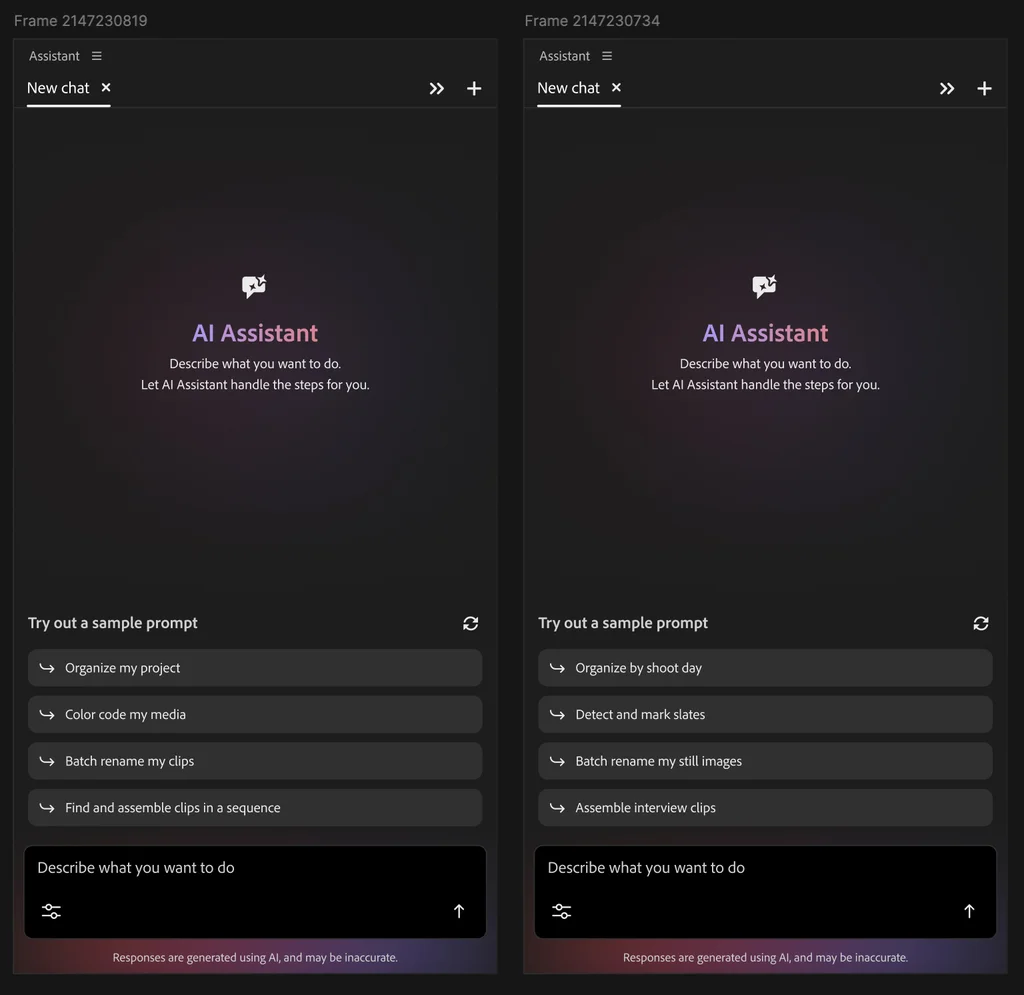
I’m not a fan of AI used for actual creative work, but the new agents for Photoshop, Illustrator, InDesign, and Premiere are a completely new twist to Adobe’s approach to AI. And it’s that every creative person can get behind because it is truly focused on fully automating the most tedious tasks of their work.
I found myself in awe as I watched someone using an agent to set up a Premiere project. It did everything starting from a pile of randomly named video, audio, and graphic files to creating a project structure. I watched as it renamed and tagged footage using computer vision to entirely setting up a cut for a video interview, synchronized footage from multiple cameras, and put everything in the right place in the editing timeline.
What felt like an infinite number of hours wasted in doing basic chores will be gone forever with agents. That’s the entire premise of this new update, and then some.
That video work magic is just one piece of a broader rollout bringing an AI Assistant to Adobe’s flagship creative suite. The company just launched these tools in a public testing phase for its core stable—Premiere Pro, Photoshop, Illustrator, InDesign, and Frame.io—while keeping the After Effects iteration under wraps in a private beta.
This fundamentally changes the daily reality of creative work, which has been bogged down by endless clicking of nested menus and palettes. With Adobe’s version of agents, the creator remains in charge. The point isn’t to replace the human element, but rather to eliminate the mechanical chores that drain energy before the actual artistic process even begins. By offloading the friction of batch processing or layer management to a background process, the assistant clears the deck.
The three altitudes of AI
“There’s this kind of transformation occurring with AI in the workforce,” says Forest Key, Adobe’s vice president of Agentic AI and Firefly. He notes that this evolution maps out across three distinct altitudes. The first is using the technology strictly as an assistant to remove drudgery and accelerate mundane functions. The second phase is co-working, where the software acts as a thought partner, while the professional constantly inserts their taste and editorial voice. The third level relies on setting up agents that execute full, parallel automations while the human only periodically checks in on the loop. This current release is fundamentally focused on mastering that first altitude.
The breakthrough powering this first phase is how the software interprets human instruction, Key explains. He points out that creators possess a vast, highly specific vocabulary for shape, color, mood, and emotion. By typing those specific intentions into a prompt box, Key says, “the system is able to take those words and translate it into complicated mechanical gestures inside of the product.”
The agents operate by taking control of the software’s native tools just as a human user would. In the case of that Premiere demo, it doesn’t spit out a flattened, finished video from raw footage. It manipulates the folder structure, the files themselves, the timeline, keyframes, and layers directly, leaving behind a fully editable project file ready for actual creative work.
In practice, this means barking complex orders at the software and watching it work across a vast canvas. Inside Photoshop, users can command the system to automatically extract subjects from their environments across dozens of pictures, or scale a primary graphic to fit every conceivable social media dimension in one go.
In Illustrator, the AI can chew through a data spreadsheet to pump out dozens of graphic variations, or autonomously scan a document to catch missing typography and color profile issues before sending it off to the printer. InDesign allows you to upload a fresh brand PDF, and the agent will instantly ripple those new copy and styling rules throughout a massive document. And Frame.io integrates the assistant to corral disparate client notes scattered across multiple drafts.
A wow moment
To see how this translates into actual time saved, let’s look at the Premiere demonstration that initially caught my attention. It began with a chaotic, unsorted folder of media—a reality most editors know all too well. By typing a simple instruction to organize the project, the editor prompted the AI to scan the messy timeline, identify the various file types, and ask a few clarifying questions about how to group specific stills and camera angles. Once confirmed, it moved everything in parallel, structuring the chaos into neat, logical bins grouped by media type in a matter of seconds.
Then the system automatically transcribed the audio during import and used those transcripts to hunt down common sync points across three distinct camera angles and a separate audio track. It generated a unified sequence instantly, ready to be edited. It tagged and described all files too, using computer vision. It then parsed the semantic content of the footage, dropping blue markers onto the timeline wherever an interview subject was asked a question, and dynamically renaming a batch of sequentially numbered image files based on the actual visual contents of each photograph.
If you’re a filmmaker or video creator, you know how long and tedious that all is. The agent is truly like having the most meticulous, smartest human assistant making everything perfect for you to just come in, cut the stuff to your heart’s content, and be done with it.
Of course, these are just demos. I don’t know how it will pan out in the field, but according to Adobe, all beta testers are all over the moon for this AI, something that couldn’t be said about previous AI releases. I know I’m excited for this kind of practical stuff that just saves hours of time to work more or just go to the beach and chill.
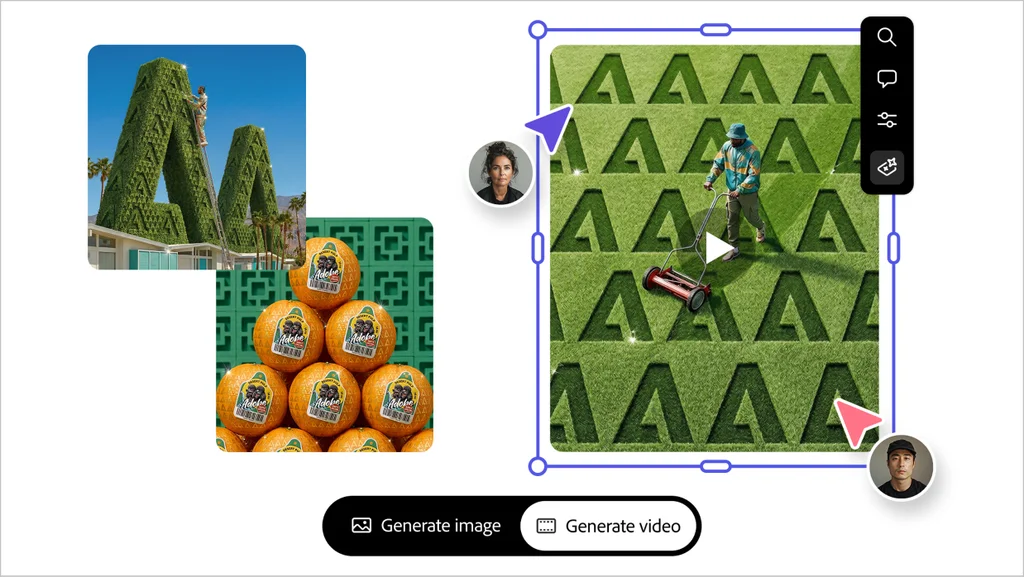
Oh, and one more thing: Adobe is also pushing updates to its standalone Firefly web app, though these skew closer to the second “altitude” of acting as an ideation partner, focused on those who are not professionals. Firefly’s new beta features include tools for generating complete brand kits from a text description, translating product photos into short cinematic videos, and building video sequences out of static storyboard frames. They are also testing persistent features called “Elements” and “Projects” that let users save specific characters or objects to maintain a consistent visual style across different campaigns and formats over time.

That’s cool, sure. But the true value of today’s rollout lies within those core Creative Cloud applications, where the daily grind of actual production happens. The quality of a graphic campaign or a film has never been dictated by a designer’s ability to manually organize material or produce a bunch of changes automatically or click a dozen buttons and push splines to adjust motion and up down to create a desired outcome. It’s all about vision and actual creation.
Key is excited about the future of Adobe’s agents, as they turn into creative partners and become more embedded in daily workflows. Right now, they only can control a number of tools in the Creative Cloud apps. But, month by month, he says that the agents will become capable until they can fully control each app.
Stripping away the mechanical stuff from their daily lives gives professionals the actual room to push a concept further. Not by replacing the output, but by doing all that needs to be done for them to produce the output. When the software handles the monotonous clicking, it leaves the human with the time and mental bandwidth to apply the instinct, taste, and detail that actually makes the work matter.